No matter which city you plan to visit in South Korea, you’ve probably spent hours planning your food list, shopping spots, and amazing cultural experiences. But the moment you land at Incheon Airport and open Google Maps to find your hotel, you’ll quickly realize something feels a bit off.
To put it simply: Google Maps doesn’t work well in South Korea. Due to local security regulations, it cannot provide walking directions, and the public transit data is often delayed. It’s very easy to find yourself lost in the middle of an unfamiliar alleyway.
To travel smartly and comfortably just like a local, you need to update your digital toolkit. Before your flight touches down at Incheon Airport, make sure to download and set up these 3 essential survival apps.

🗺️ 1. Naver Map: Your Number One Navigation Guide in Korea
If you can only download one single app for your entire trip, it should definitely be Naver Map. You can safely close all your Google Maps tabs now.
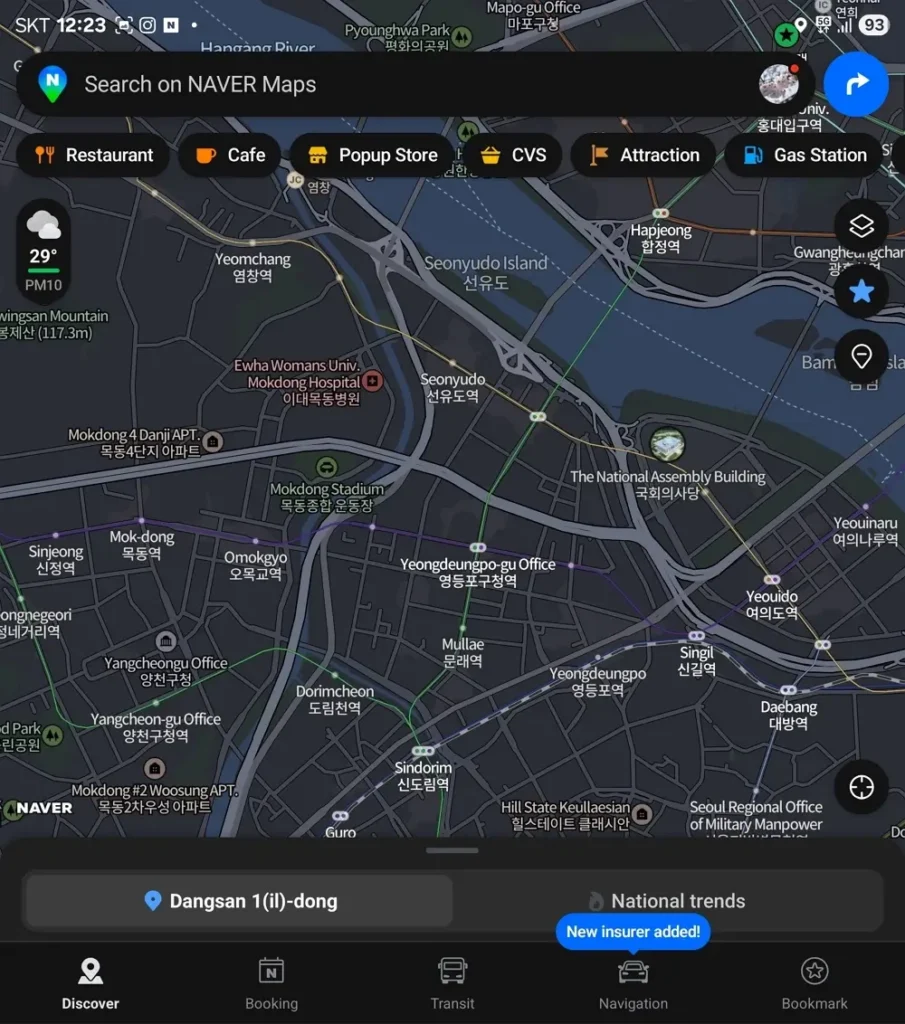
Because of unique security laws, South Korea does not share its detailed geographic map data with foreign servers. This is exactly why Google Maps cannot give you walking routes here. Instead, Naver, the top search engine in Korea, holds the most accurate map data.
💡 Why you should download it:
- Perfect Walking Directions: It tracks your real-time location beautifully and guides you step-by-step through even the narrowest streets.
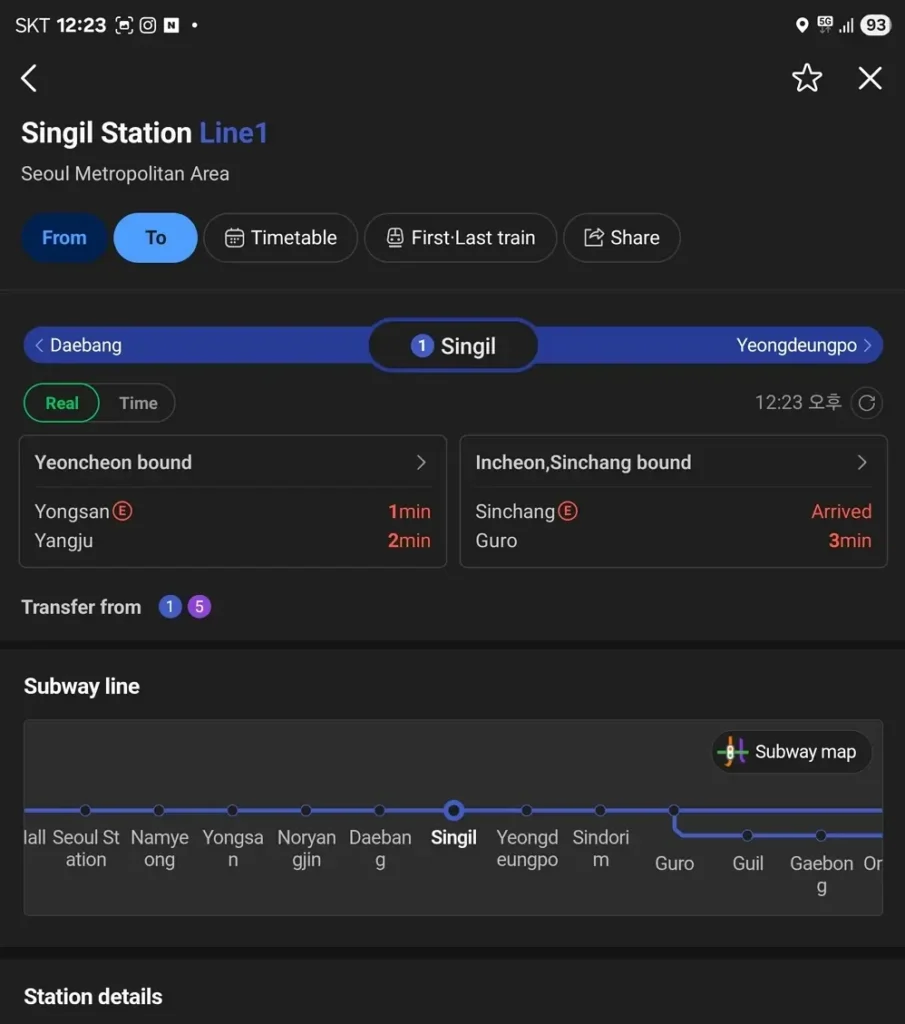
- Incredibly Accurate Transit Data: It tells you exactly how many minutes and seconds are left until your next subway or bus arrives. It even shows you which subway door is the fastest for transfers.
- Full English Support: Don’t worry about the language barrier. The app fully supports English, so you can easily find your way by typing English addresses or the names of famous sights, like “Gyeongbokgung Palace.”
| Category/Option | 🗺️ Naver Map (The King) | 🌐 Google Maps (The Trap) | Jay’s Honest Verdict |
| Walking Routes | 100% Flawless. Tracks every single corner & alleyway. | Completely Broken. Won’t give you any walking directions. | Naver is an absolute lifesaver for navigating Seoul’s streets. |
| Public Transit | Real-time updates. Tells you the exact train/bus arrival to the second. | Delayed data. Often leaves you waiting for buses that already passed. | Google is fine back home, but it will ruin your transit schedule here. |
| Local Search | Finds hidden cafes, phone numbers, and raw photo reviews by locals. | Outdated reviews. Missing many new hot spots and trendy shops. | If you want to find the real, foolproof food spots, trust Naver. |
📌 Jay’s Insider Tip: If you can’t find a specific restaurant by its English name, try copying and pasting its phone number or exact address from Instagram or Google. It will pop up right away! Also, checking out the photos left by Korean locals in the app is a great way to find foolproof food spots.
🗣️ 2. Papago: The Smart AI Translator That Saves the Day
You might think Google Translate is enough, but Korean is a very deep language with unique contexts and polite speaking styles. If you rely only on Google Translate, you might end up sounding a bit robotic or, worse, unintentionally rude to the locals.
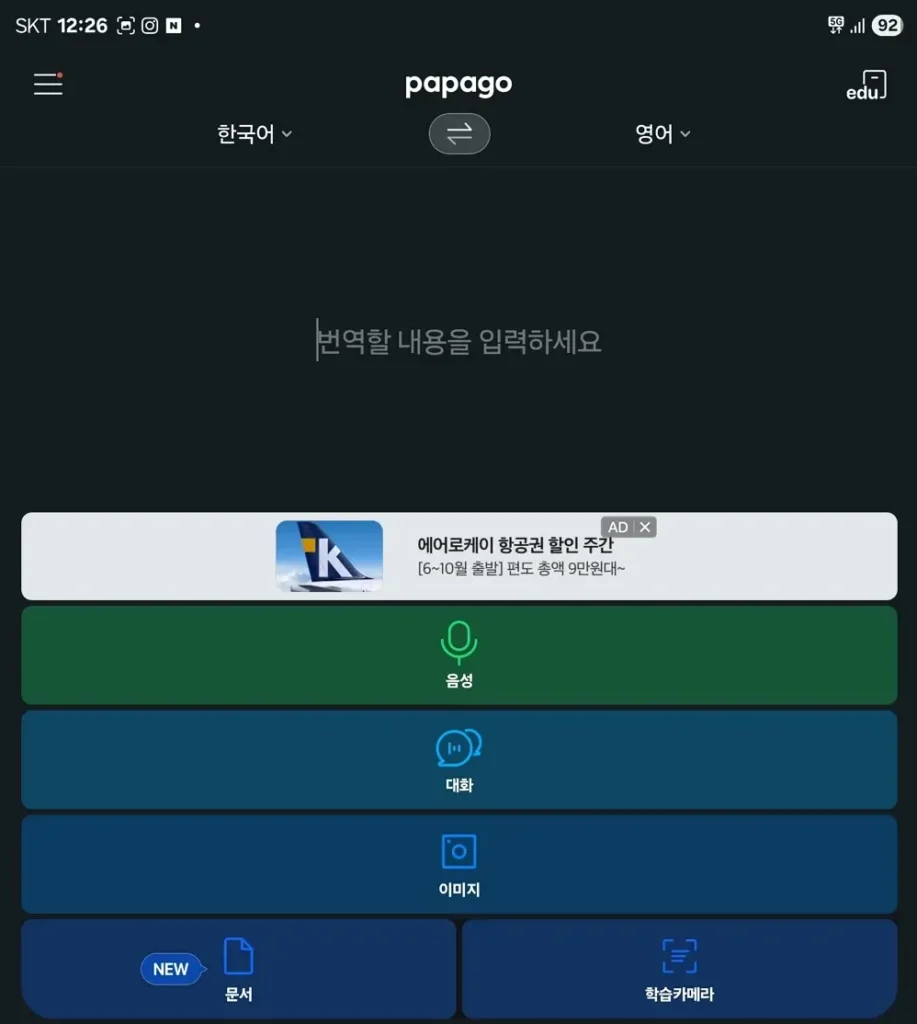
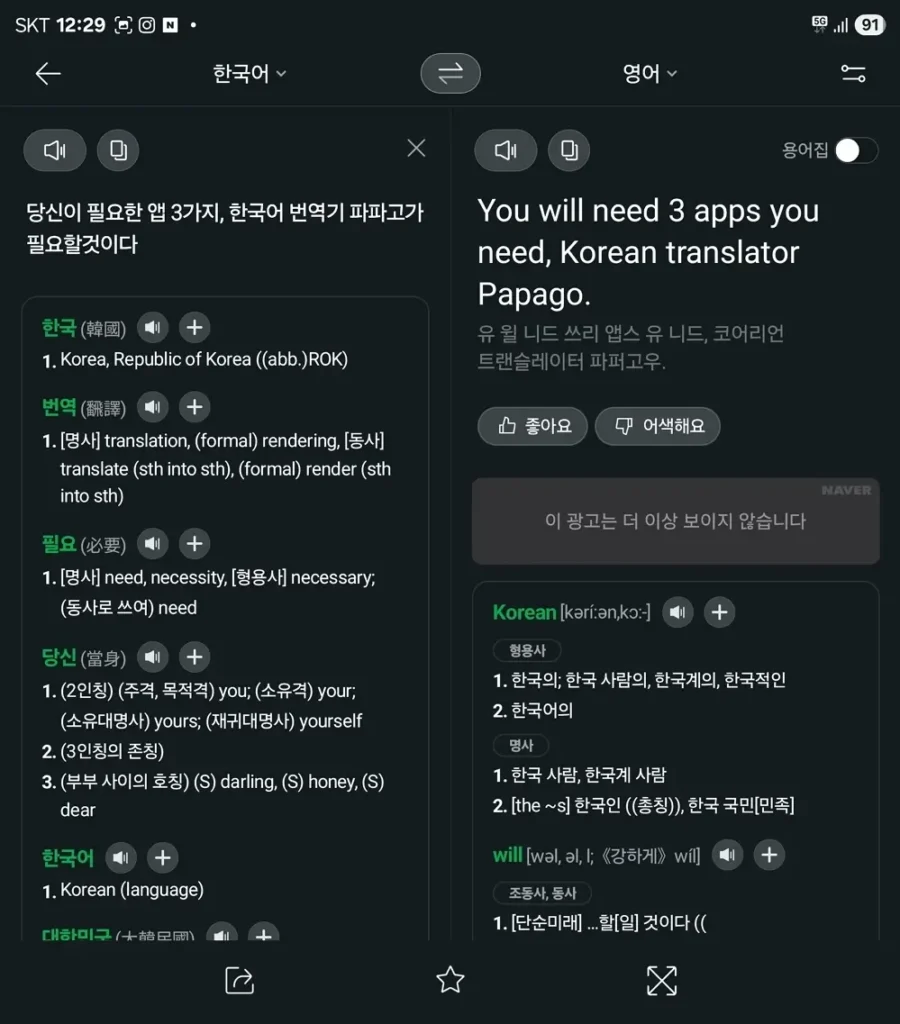
To connect and communicate naturally with people here, Papago is your best answer. Created by Naver, this AI translator understands Korean cultural nuances and speech patterns better than anything else.
💡 Why you should download it:
- The Magic Camera Feature: Korea is famous for its amazing street food and cozy local restaurants, but many hidden gems don’t have English menus. Just open Papago, tap the camera icon, and hold it over the menu. It neatly turns handwritten Korean into natural English right away.
- Real-Time Voice Translation: If you need help from a convenience store clerk or a police officer, just speak into the app in English. It will translate and speak out your request in polite, natural Korean.
- Honorifics Toggle Switch: The app has a special “Honorifics” switch. Keeping it turned on ensures you always speak respectfully to the locals without any awkward mix-ups.
🚖 3. Kakao T: Your Ultimate Savior for Hailing Taxis
If you are hoping to hail an empty taxi on the street just by waving your hand like in the movies, you might end up waiting outside for a very long time. Today, nearly 99% of Korean taxi drivers only pick up passengers who have pre-booked a ride through their phones.
On top of that, Uber doesn’t operate normally in Korea—it’s highly restricted and usually connects you to very expensive luxury rides. The ultimate app used by everyone in Korea is Kakao T.
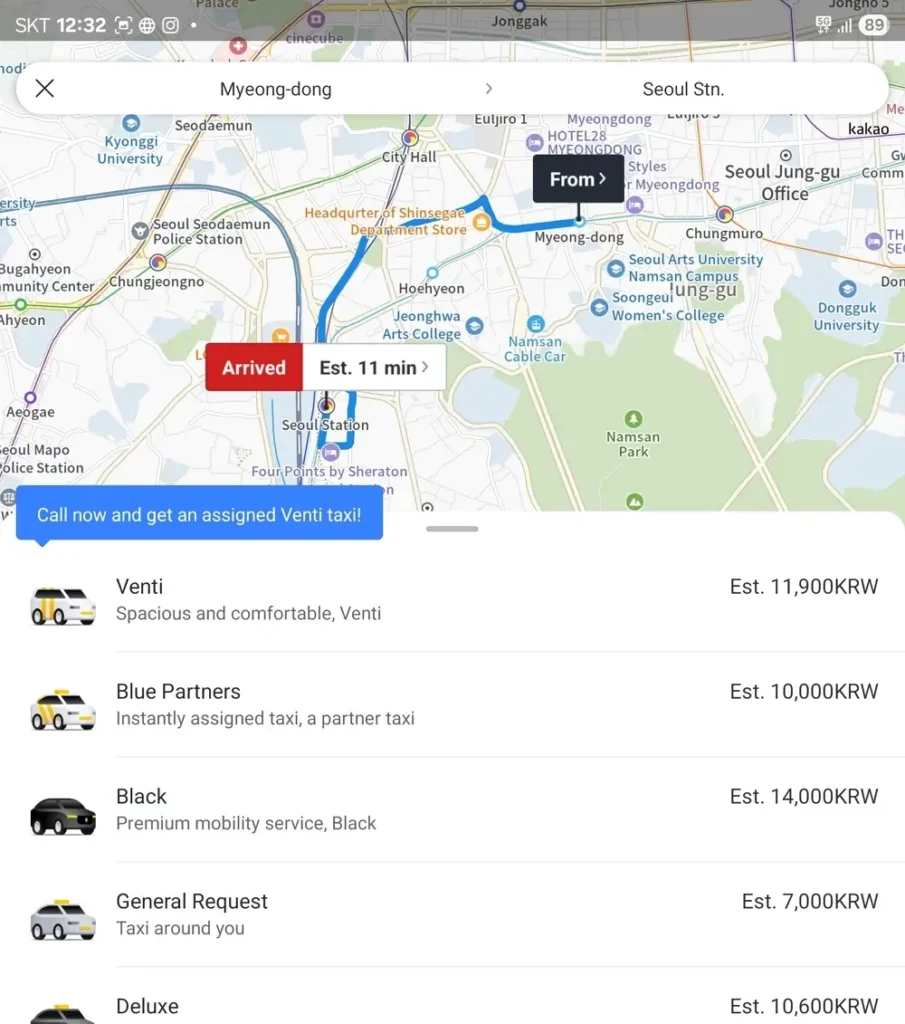
💡 Why you should download it:
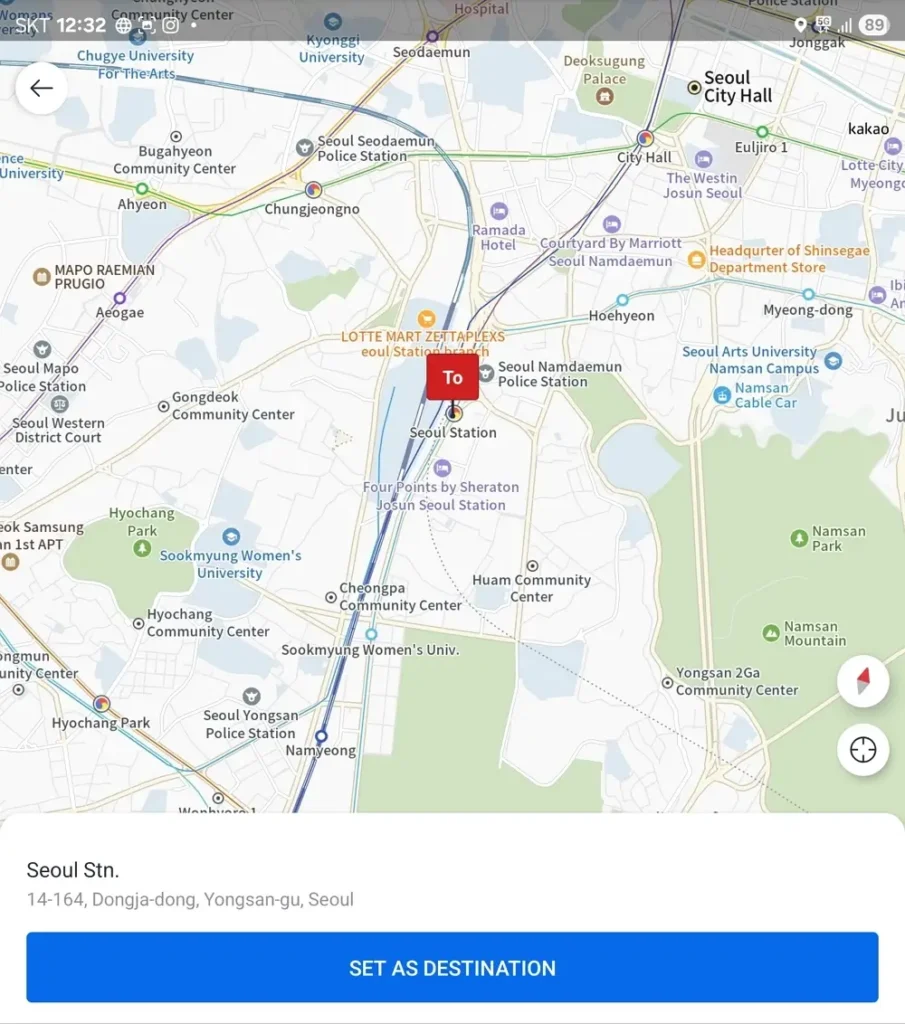
- Zero Language Barrier: You don’t have to stress about explaining where you want to go in broken Korean. You just type your destination in English, call a ride, and the route is automatically sent to the driver’s navigation system.
- The Secret Trick for Foreign Credit Cards: Many travelers get frustrated because the app sometimes rejects foreign credit cards during setup. Here is the ultimate workaround: when choosing your taxi type, swipe the options all the way to the right and select “Pay to Driver” (기사님께 직접 결제). This lets you skip registering a card in the app entirely. Once you arrive at your destination, you can just pay the driver directly using your physical Visa/Mastercard or cash!
📌 One Final Reminder: Please Do This BEFORE You Leave Home!
As a local friend, I highly recommend that you download, install, and verify these 3 apps while sitting comfortably at home with your stable Wi-Fi.
Apps like Kakao T usually require an SMS verification code to set up your account. If you try to do this after a long, exhausting flight at Incheon Airport—especially while dealing with a new eSIM that might not receive international texts—it can get overwhelming very quickly.
Set up your digital survival kit before you board, and your first steps into South Korea will be smooth and completely stress-free. Welcome to Korea!
Leave a Reply